
- 0
- 987 words
Wrist controls make flying cameras easier by turning drone operation into a faster, more intuitive experience. Instead of juggling a bulky controller and phone, you can launch, guide, frame, and monitor a camera drone from your wrist with simple gestures and touch inputs. That matters for hikers, cyclists, travelers, and solo creators who want smooth footage without stopping to manage complex controls. A wrist-based system reduces setup friction, helps you stay focused on the activity, and makes common tasks like takeoff, follow tracking, and return-to-home feel more natural. It also lowers the learning curve for new users. With live previews, GPS-assisted tracking, and quick access to filming modes, wrist controls help transform flying cameras from technical tools into practical everyday companions.
How Do Wrist Controls Work on Flying Cameras?
Understanding Wrist-Mounted Remotes and Gesture-Based Controls
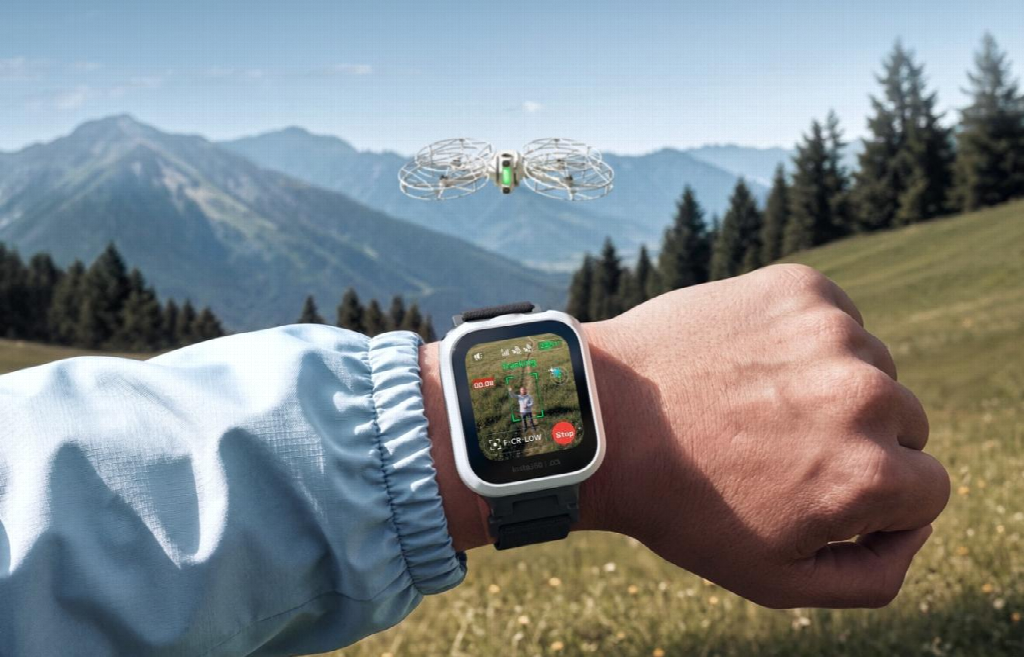
Wrist-mounted remotes replace much of the traditional controller interface with a compact screen and simplified command system. On a flying camera, the user typically wears a watch-style remote that handles core actions such as takeoff, recording, tracking mode selection, and landing. Instead of managing multiple joysticks, you interact through taps, swipes, and preset commands designed around common shooting needs. Some systems also support gesture-based control, letting natural wrist movements trigger directional adjustments or filming actions. This approach is especially useful during activities where stopping to unpack a controller is inconvenient. The result is a more direct connection between the user and the drone, with less hardware to manage and fewer steps between idea and capture.
How Wrist Movements and Touch Commands Guide Drone Flight
Wrist controls guide drone flight by translating simple physical actions into clear movement commands. A swipe on the touchscreen can reposition the drone for framing or steer it toward a safer landing zone, while dedicated buttons can trigger takeoff, return-to-home, or mode changes. Systems designed for follow-me flying often combine touch inputs with motion awareness, so the drone responds quickly without requiring constant manual piloting. On the Antigravity A1, the portable Watch Remote supports wrist-controlled takeoff, live wrist preview, and intuitive touch controls for smooth adjustments. Its GPS-based return function can update to your current location, helping the drone come back accurately even when you have continued moving along a trail or route.
Key Benefits of Wrist Controls for Everyday Drone Flying
Easier Takeoff, Navigation and Camera Adjustments
Wrist controls simplify the moments that usually slow drone users down. Takeoff becomes a quick action instead of a multi-step setup, and in-flight navigation feels less intimidating because the most important commands are easy to reach. For everyday flying, that means less time checking menus and more time capturing useful footage. Camera framing also becomes more practical because you can make small position changes from your wrist rather than landing and relaunching. The Antigravity A1 adds useful support here with a live wrist preview and swipe-based fine tuning. When a flying camera gives you quick access to launch, movement, and framing in one wearable interface, casual flights become smoother, faster, and far less mentally demanding overall.
Hands-Free Follow-Me Features for Solo Adventures
Hands-free follow-me features are one of the biggest reasons wrist controls matter. Solo travelers, runners, and cyclists often want dynamic footage without carrying a controller in both hands or stopping repeatedly to reset the shot. A wrist-based interface makes that possible by letting you start tracking quickly and keep moving. On the Antigravity A1, follow-focused features pair with GPS and smart return-to-home, so the drone can track your movement and return to your updated location when filming ends. That makes it especially useful on trails and outdoor routes. Instead of treating the drone like a separate task, wrist controls let it work more like a wearable camera partner that keeps up with your adventure.
Creative Filming Made Easier with Wrist-Controlled Drones
Live Wrist Preview and Real-Time Framing Adjustments
Creative filming improves when you can see and correct the shot immediately. A live wrist preview gives you a quick view of what the drone is capturing, so you can check composition, subject placement, and recording status without pulling out another device. That is especially helpful when light, terrain, or subject movement changes quickly. Real-time framing adjustments also become easier because touch controls let you nudge the drone into a cleaner angle with minimal interruption. For solo creators, this reduces guesswork and wasted clips. You spend less time reviewing mistakes after landing and more time refining the shot while it is happening. The result is a smoother workflow and more confident, intentional camera movement.
GPS Tracking, Drag-to-Fly and One-Tap Cinematic Shots
Wrist-controlled drones become even easier to use when smart automation handles complex flight patterns. GPS tracking keeps the flying camera aligned with your movement, while drag-to-fly controls let you place it where you want the shot to begin. On the Antigravity A1, the ring-style remote can “grab” and reposition the drone from up to 10 meters away, making placement feel unusually direct. One-tap cinematic options also reduce the skill needed for polished footage. Users can switch tracking modes, trigger templates, or launch Sky Genie moves like Orbit or Fly Away without learning advanced manual piloting. Together, these tools make creative aerial filming faster, more accessible, and much easier for beginners and solo shooters.

Conclusion
Wrist controls make flying cameras easier because they remove much of the friction that has traditionally made drones feel technical and time-consuming. With quick takeoff, simple touch commands, live previews, GPS-assisted tracking, and automated return functions, users can focus more on movement, scenery, and storytelling than on piloting. They are especially valuable for solo creators and outdoor users who need a lighter, faster way to film. Features like follow-me tracking, drag-to-fly placement, and one-tap cinematic moves also open creative options that once required more experience. In practical terms, wrist controls turn a flying camera into a more responsive, wearable tool. That convenience makes aerial filming more approachable, more flexible, and far more enjoyable in everyday adventures.
Author

khizarnisar367@gmail.com
Related Posts
AI Glasses for Blind Users: A Buyer’s Guide
- 0
- 901 words
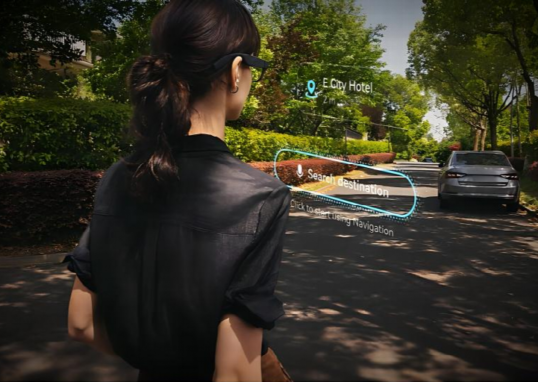
AI glasses can help blind and visually impaired people access visual information through object recognition, text reading, voice assistance, and navigation support....
Read out all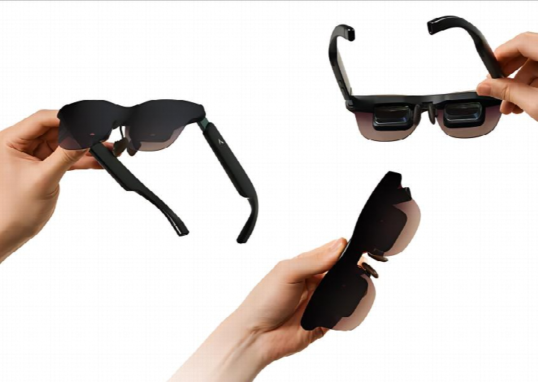
AR Glasses Review: Comfort, Clarity, and Daily Use
- 0
- 927 words
AR glasses combine wearable design with digital displays, allowing users to access virtual screens, entertainment, and useful information without carrying a traditional...
Read out all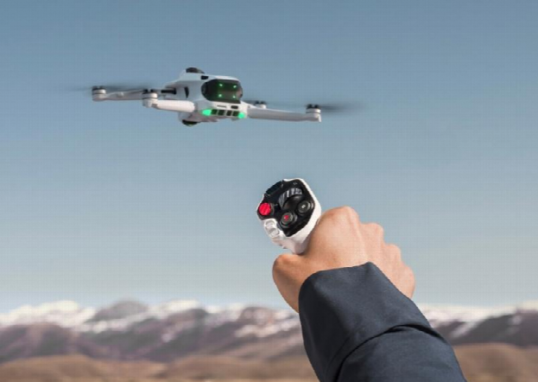
Antigravity A1 vs DJI Mini 4 Pro: Reframe or Film?
- 0
- 1,036 word
Antigravity A1 and DJI Mini 4 Pro solve aerial video in two very different ways. The key choice is not simply image...
Read out all
Link Building Reseller Strategies for Growing Your Client Base
- 0
- 717 words
Your agency’s client base can grow faster than its internal capacity to deliver specialized SEO work. Link building presents a particular challenge,...
Read out all
A proxy glossary for marketing teams starting their first data project
- 0
- 799 words
You’re probably in a kickoff call where someone says the team needs “rotating residential proxies with city targeting” for a pricing study,...
Read out all
How to Reclaim Gigabytes of Storage Space with Advanced SystemCare Deep Clean
- 0
- 840 words
If you repeatedly find yourself without enough space to install important updates or new applications, you may need to clear out space...
Read out all