
- 0
- 1,073 word
Key Takeaways
- Layered security creates multiple opportunities to deter, detect, verify, and respond to an incident.
- Every plan should reflect the building layout, operating hours, valuable assets, and normal employee workflows.
- Access control, cameras, intrusion detection, fire protection, and clear procedures are stronger when coordinated.
- Simple employee instructions are essential for opening and closing, handling visitors, and responding to emergencies.
- Testing and regular reviews help identify failed equipment, outdated access permissions, and gaps in response plans.
A comprehensive commercial security plan utilizes multiple measures to protect people, property, and daily operations, rather than relying on a single system. Businesses should begin by identifying vulnerable areas, reviewing access points, and considering how alarms, cameras, access controls, and fire detection systems can work together. This integrated approach lays a solid foundation for making informed security decisions.
The ideal combination of security measures will depend on factors such as the property’s characteristics, operating hours, staffing, valuable assets, and specific risks the business might encounter. Reviewing options from resources like https://usprotective.net/commercial/ can help businesses understand available services in areas such as monitoring, video analytics, access control, fire alarms, and installation. Additionally, creating a practical checklist can help prioritize improvements and coordinate security measures effectively.
Why Layered Security Works
No single security measure can address every concern a commercial property may face. A locked door can help delay unauthorized entry, a camera can provide visibility into an incident, and an alarm can notify the appropriate people. Combining these measures creates complementary safeguards and provides businesses with more information to support an appropriate response.
Most commercial plans include several connected layers, such as exterior protection, entry controls, video surveillance, intrusion detection, fire and life-safety systems, and employee procedures. The right balance varies depending on the type of property, whether it is an office, retail store, warehouse, clinic, or multi-tenant building.
Start With a Risk and Workflow Review
Begin with how the property actually operates, not with a list of products. Walk the site during normal hours and after closing. Review main entrances, rear doors, loading areas, emergency exits, cash-handling locations, records storage, equipment rooms, parking areas, and weak lighting zones.
Also consider who moves through the building. Employees, visitors, contractors, delivery drivers, and cleaning crews may require different access rules. For example, a growing retailer may find that its primary weakness is an unsecured stockroom door used during deliveries, rather than the customer-facing entrance.
Build the Outer Security Layer
Exterior measures can discourage unwanted activity before someone reaches the building. Use lighting to improve visibility around entrances, walkways, parking areas, gates, and loading zones. Maintain landscaping so shrubs, signs, and stored materials do not create unnecessary hiding places or block sightlines.
Fencing, gates, directional signs, bollards, and controlled vehicle access may also be appropriate, particularly around equipment yards or receiving areas. These features should support daily operations without obstructing deliveries, creating trip hazards, or interfering with emergency access.
Control Doors, Areas, and User Access
Access control determines who can enter, which areas they can enter, and when entry is allowed. Avoid assigning the same access level to every worker. Use role-based permissions so employees can reach the spaces needed for their work while sensitive rooms remain limited to authorized people.
- Restrict server rooms, cash offices, supply rooms, and high-value storage areas.
- Issue temporary credentials to visitors and short-term contractors.
- Remove badges, codes, keys, and mobile credentials promptly when employment ends.
- Review access logs after suspicious activity, a lost badge, or an incident.
- Keep emergency exits available for safe egress and consistent with applicable requirements.
Use Video Monitoring for More Than Recording
Cameras can support deterrence, incident review, employee safety, delivery verification, and facility management. Coverage is usually most useful at real decision points, such as entrances, exits, loading docks, exterior gates, parking areas, transaction points, restricted rooms, and hallways connecting public and private spaces.
Video analytics may help flag person detection, loitering, object movement, or unusual after-hours activity. Establish clear rules for who can view footage, how long recordings are retained, and where signs or notices are appropriate. Camera placement should respect privacy expectations and avoid areas where recording would be inappropriate.
Connect Intrusion and Fire Protection
Intrusion alarms and fire alarms have different purposes. Intrusion systems address unauthorized entry, while fire and life-safety systems identify conditions that may endanger people or property. Both require suitable design, maintenance, testing, and up-to-date contacts.
Confirm what happens during a power outage, internet disruption, or after-hours event. Identify who receives alerts, who can authorize service, and how response information is updated. Employers should also build emergency procedures around the workplace layout and expected hazards, as emergency preparedness guidance recommends.
Give Employees Clear Security Procedures
Technology works best when employees understand the basics. Staff should know how to report a propped-open door, a damaged camera, a lost badge, a suspicious visitor, or an unexpected contractor. They should also understand that personal safety comes before investigating a potential threat.
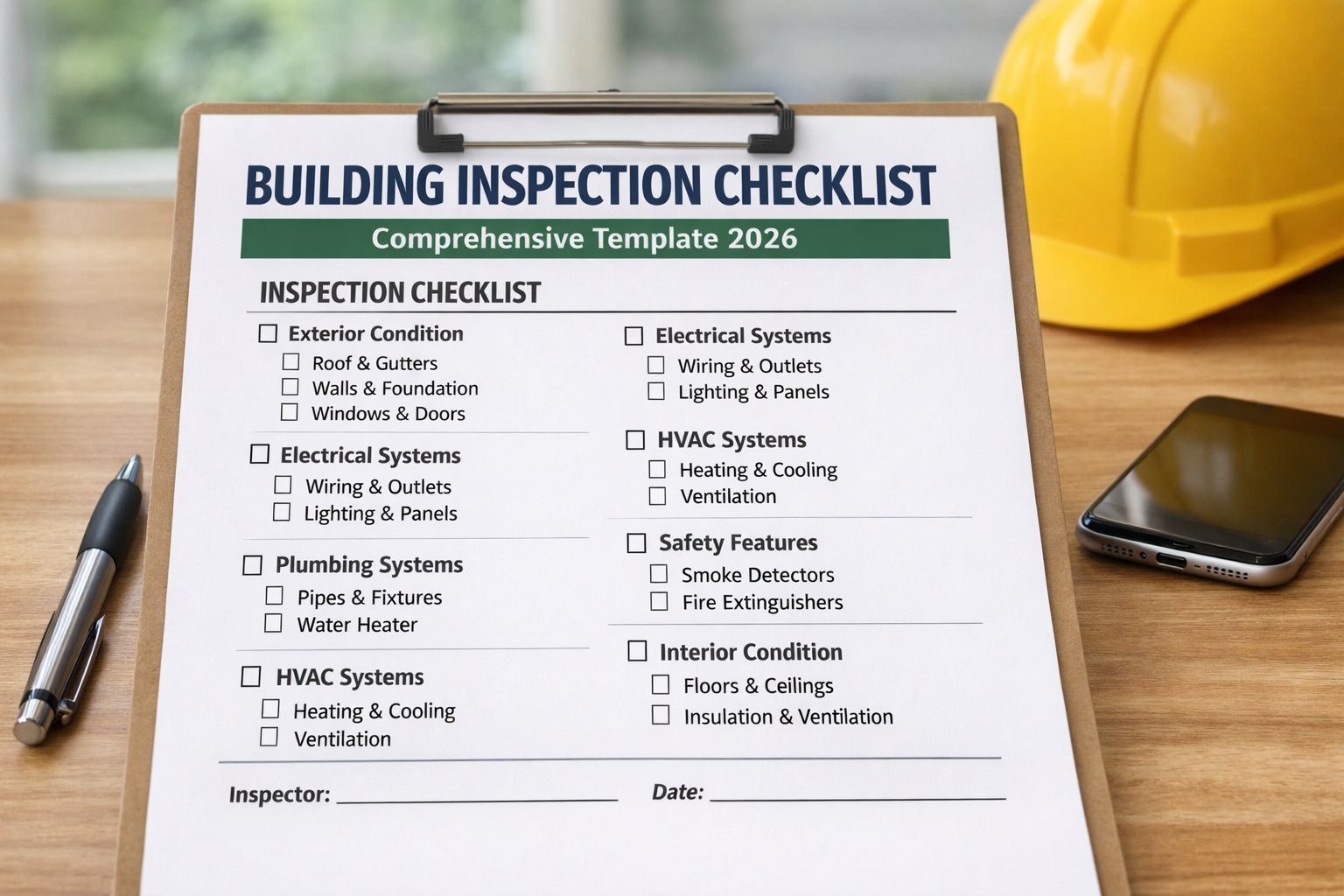
Create short, plain-language procedures for opening and closing, issuing and recovering credentials, handling deliveries, reporting concerns, and protecting recorded footage or security information. A concise checklist at a manager’s workstation is often easier to follow than a lengthy policy manual.
Create a Simple Response Plan
A response plan turns an alert into an organized action. Define who verifies an event when it is safe, who contacts emergency services, who meets responders, and who communicates with employees or occupants. Tailor procedures for break-ins, fire alarms, water leaks, injuries, power failures, and suspicious packages.
- Receive the alert and identify the affected location.
- Verify available information without unnecessary confrontation.
- Contact emergency services or the appropriate management contact.
- Protect people first and follow evacuation or shelter procedures when needed.
- Preserve relevant footage, access records, and incident notes.
- Review the event afterward and make practical improvements.
Test, Review, and Update the Plan
Security plans lose value when cameras become obstructed, batteries fail, access permissions remain active, or emergency contacts change. Use a routine review schedule: inspect visible doors, lights, and cameras weekly; review user access and alarm activity monthly; test procedures and key equipment quarterly; and reassess the entire plan annually or after major operational changes.
Conclusion
A dependable commercial security plan is built around the people, property, and routines that matter most. By combining exterior safeguards, controlled access, useful video coverage, life-safety planning, trained employees, and regular reviews, a business can create a practical system that supports daily operations and remains usable under pressure.
Author

linguaezone.com@gmail.com
Related Posts

How Do Heating and Cooling Repairs Help When a System Loses Performance After Repeated Power Surges?
- 0
- 1,118 word
Repeated power surges can gradually affect heating and cooling equipment even when the system does not stop working immediately. A surge may...
Read out all
Why Is an HVAC Contractor Important When Supply Registers Create Drafts Instead of Even Room Mixing?
- 0
- 1,231 word
Supply registers should distribute conditioned air throughout a room instead of creating an uncomfortable stream aimed at one chair, bed, desk, or...
Read out all
Replacing Exterior Doors in Wayne, Michigan: Material and Installation Choices That Last
- 0
- 1,323 word
Wayne’s winters test every exterior door. Repeated freezing and thawing cycles, snow driven by wind, and road salt can expose weak weatherstripping,...
Read out all
Why Your Electric Dryer Runs but Doesn’t Heat: A Homeowner’s Diagnostic Walkthrough
- 0
- 1,219 word
An electric dryer that tumbles but never warms is one of the most frustrating appliance issues because everything looks normal until you...
Read out all
When Your AC Stops Cooling in Watertown: A Repair-Minded Diagnostic Guide
- 0
- 1,094 word
Few things feel as urgent as an air conditioner that quits on a humid afternoon. Before panic sets in, a methodical check...
Read out all
Airflow Comes First: What an HVAC Contractor Checks Before Blaming the Equipment
- 0
- 1,111 word
When a home stops feeling comfortable, the first instinct is to suspect a failing furnace or heat pump. In many cases, the...
Read out all